
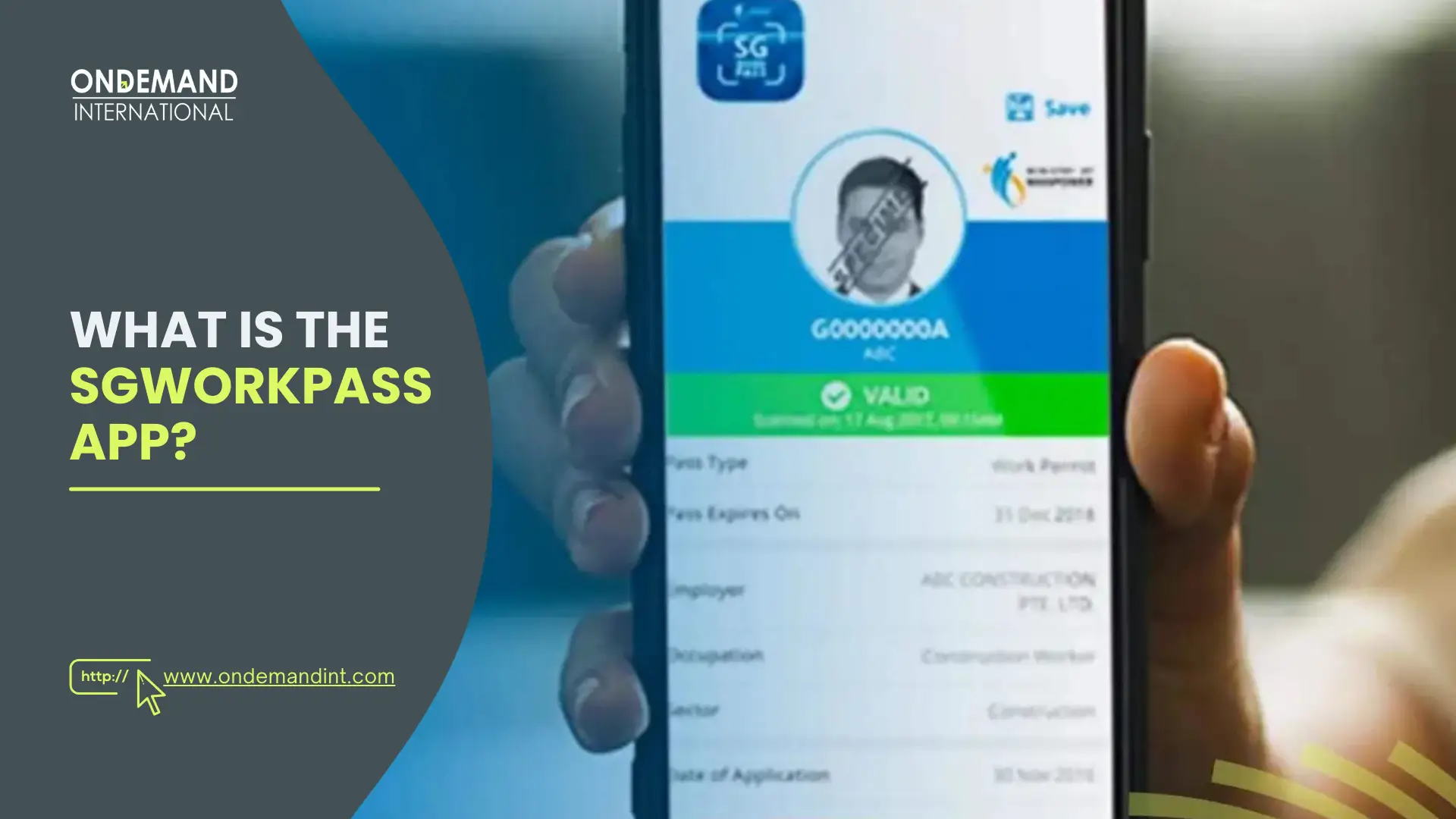
You can check a Singapore work pass status in three ways: (1) SGWorkPass app — scan the QR code on the card; (2) MOM web portal — go to service2.mom.gov.sg/workpass/enquiry and enter FIN + date of birth; (3) Phone (IVRS) — call MOM's enquiry line if you have no smartphone or internet. No login needed for the web check.
Since September 2017, Singapore’s Ministry of Manpower (MOM) has stopped printing variable details — expiry dates, issue dates, and occupation — directly on work pass cards. That information now lives only in MOM’s database, accessible via the SGWorkPass app, the MOM web portal, or phone. If your card looks valid but the database says cancelled, the database wins. Employers who don’t verify digitally risk hiring on expired passes — and the fines are steep.
This guide gives you every method to check, what each one is good for, and how to fix the errors that are actually causing people to give the app one-star reviews right now.
3 Ways to Check Singapore Work Pass Status
| Method | Best For | Requires Login? | Works Outside Singapore? |
| SGWorkPass App | Pass holders, employers on-site | Singpass (for holder view) | No |
| MOM Web Portal | HR teams, India-based employers, pre-arrival checks | No login needed | Yes |
| Phone (IVRS) | No smartphone / no internet access | No | Depends on call access |
Important for employers checking from India: The SGWorkPass app can only be used within Singapore. If you are an HR manager or employer verifying a worker’s pass from India before they travel, use the MOM web portal — it works from any country, no login required.
Method 1: SGWorkPass App (For In-Singapore Use)
The SGWorkPass app is the fastest method when you’re physically in Singapore and have the pass card in front of you. There are two modes: a verifier mode (no login needed, just scan) and a pass holder mode (login with Singpass to view your own details and receive MOM notifications).
How to set up as a Pass Holder?
Step 1 — Download the app
Search “SGWorkPass” on the Google Play Store or Apple App Store. The publisher must be Ministry of Manpower, Singapore. It’s free.
Step 2 — Open and select language
The app supports 10 languages: English, Mandarin, Tamil, Bahasa Indonesia, Bengali, Burmese, Tagalog, and more.
Step 3 — Log in with Singpass
Tap “Set up digital work pass.” You’ll need your Singpass credentials. If you don’t have Singpass yet, register at singpass.gov.sg first.
Step 4 — Set screen lock. MOM requires a screen lock (fingerprint, face, or passcode) to protect your digital pass details.
Step 5 — View your digital pass. Once set up, your employment status, employer name, occupation, pass validity and expiry are visible without scanning the physical card.
How to verify someone else’s pass (Employer / Service Provider)?
Step 1 — Open the app — no login needed. Service providers and employers do not need to set up a Singpass account. Just open the app.
Step 2 — Tap “Scan QR Code.” Point the camera at the QR code on the work pass card. The result shows pass validity, employer, and occupation instantly.
Step 3 — No QR code? Use the web fallback. As of the latest update, MOM removed the “Enter FIN” option from the app. If the QR code won’t scan, use the MOM web portal (Method 2 below).
Tip: Work Permit holders and migrant domestic workers can also check their salary information inside the app after logging in with Singpass — not just pass validity.
Method 2: MOM Web Portal — No App, No Login, Works From Anywhere
This is the method most people don’t know about — and it’s the most useful if you’re outside Singapore or if the app isn’t cooperating. You only need the worker’s FIN number and date of birth.
Step 1 — Go to the portal.
Visit service2.mom.gov.sg/workpass/enquiry on any browser. Select English (other language options on this portal are limited).
Step 2 — Click “Start.”
You’ll be prompted to enter details. No account or Singpass login required.
Step 3 — Enter FIN and date of birth.
Input the worker’s FIN (Foreign Identification Number) and their date of birth. Alternatively, use passport number instead of FIN.
Step 4 — Check status and download PDF.
If the status shows “Valid,” you can also download a PDF confirmation — useful for HR records, work site compliance, or visa applications.
⚠️ Note for employers in India: This web method is the only way to verify a Singapore work pass from outside Singapore. Bookmark this URL: service2.mom.gov.sg/workpass/enquiry
Method 3: Phone (IVRS) — No Smartphone, No Internet Needed
If you don’t have a smartphone or can’t access the internet, MOM provides a phone-based Interactive Voice Response System (IVRS) to check work pass status.
Step 1 — Call MOM’s enquiry line at 6438 5122.
Step 2 — Follow the automated voice prompts. You’ll be asked to key in the pass holder’s FIN number using your phone keypad.
Step 3 — The system will read out the current pass status — whether it’s valid, expired, or cancelled.
This method gives you real-time data directly from MOM’s database, the same as the app and web portal. It takes 2–3 minutes. No login, no account, no internet required.
⚠️ Limitation: You only get a verbal valid/invalid status. You cannot download a PDF, view employer details, or check salary information via phone. For full details, use the app or web portal.
Common SGWorkPass App Errors — And How to Fix Them
The app currently sits at 3.95/5 stars on the Play Store with over 15,000 ratings. Here are the four errors users are hitting most frequently right now, and what actually fixes them.
Error 1 — Frozen Screen
“App freezes on the Announcement page. Cannot tap ‘Got it.'”
Fix: Force-close the app fully (swipe it out of recent apps), then reopen. If the freeze persists, clear the app cache: Settings → Apps → SGWorkPass → Storage → Clear Cache. Do not uninstall first — clearing cache usually resolves this.
Error 2 — USB Debugging
“App says turn off USB debugging in settings but I can’t find the option.”
Fix: Go to Settings → Developer Options → toggle “USB Debugging” OFF. If you don’t see Developer Options, it means it’s already disabled — restart the app. The app blocks USB debugging as a security measure against screen capture tools.
Error 3 — QR Code Won’t Scan
“Camera opens but it won’t read the QR code on the card.”
Fix: Ensure camera permissions are granted to SGWorkPass (Settings → Apps → SGWorkPass → Permissions → Camera: Allow). Try scanning in better lighting. If the card QR code is worn or damaged, use the MOM web portal with FIN number instead.
Error 4 — Can’t Log In (Inactive Session)
“App logged me out due to inactivity and now won’t let me back in.”
Fix: This is a known Singpass session timeout. Open the Singpass app first and verify your login is active there. Then return to SGWorkPass and log in again. If Singpass itself fails, reset your Singpass PIN at singpass.gov.sg.
✅ During App Downtime: If the SGWorkPass app is down for scheduled maintenance, MOM’s fallback is the Work Pass Online (WPOL) / Employment Pass Online (EPOL) eService, or the web portal at service2.mom.gov.sg/workpass/enquiry. Always have the web method as a backup.
Which Pass Types Can Be Verified?
Both the SGWorkPass app and the MOM web portal cover all MOM-issued passes:
| Pass Type | Who’s it for? | Checkable via App | Checkable via Web |
| Employment Pass (EP) | Professionals, managers, executives | Yes | Yes |
| S Pass | Mid-skilled workers | Yes | Yes |
| Work Permit | Semi-skilled workers (construction, services) | Yes | Yes |
| Dependant’s Pass | Family of EP/S Pass holders | Yes | Yes |
| Long-Term Visit Pass (LTVP) | Extended family members | Yes | Yes |
| Special Pass | Workers in legal/investigation proceedings | Yes (latest update) | Yes |
| Training Work Permit | Foreign nationals in training programs | Yes | Yes |
Conclusion
Verifying a Singapore work pass status is essential for both employers and pass holders to ensure compliance with regulations and avoid penalties. Whether you are in Singapore or abroad, the Ministry of Manpower (MOM) offers three reliable methods for verification: the SGWorkPass app for in-Singapore use, the web portal for global access, and the phone-based IVRS system for those without internet access. Each method caters to different needs and circumstances, making the process accessible and convenient.
It’s important to remember that since MOM stopped printing variable details like expiry dates and occupation on work pass cards in 2017, digital verification is the only reliable way to confirm the status of a pass.
By utilizing the available methods, both pass holders and employers can ensure compliance with Singapore’s work pass requirements, safeguarding the employment relationship and avoiding costly mistakes.
FAQs
Can I check my Singapore work pass status from India?
Yes. The SGWorkPass app only works inside Singapore, but the MOM web portal works from anywhere in the world. Go to service2.mom.gov.sg/workpass/enquiry, enter the FIN and date of birth — no login or Singpass required.
This is the standard method used by employers and HR teams in India to verify workers before deployment.
Does the work pass card show the expiry date?
No. Since September 2017, MOM stopped printing variable details like expiry date, issue date, and occupation on the physical card. Only the card serial number and QR code are printed. All other details — including whether the pass is still valid or has been cancelled — must be checked digitally via the app or web portal.
What happens if the QR code on my card can’t be scanned?
As of the latest SGWorkPass update, MOM removed the “Enter FIN” fallback from inside the app. If your QR code is damaged or unreadable, use the MOM web portal at service2.mom.gov.sg/workpass/enquiry and enter your FIN and date of birth manually instead.
Can a pass be cancelled before the expiry date?
Yes — this is exactly why digital verification exists. A pass can be cancelled at any time if the employment relationship ends, the worker changes employer, or MOM revokes it.
The physical card would still look valid, but the database would show “cancelled.” Always verify digitally rather than trusting the card alone.
Do I need a Singpass to check someone else’s work pass?
No. Employers, premise owners, and service providers can verify any work pass using the SGWorkPass app (QR scan, no login) or the MOM web portal (FIN + date of birth, no login). Singpass login is only needed if you are the pass holder and want to view your own details or receive MOM notifications.
I’m moving to Singapore for work. When should I set up the SGWorkPass app?
Set it up as soon as you collect your work pass card or register at the MOM Services Centre. You’ll need an active Singpass account first, so register at singpass.gov.sg before arriving if possible.